Google Timeline Visualizer for Animated Travel Videos

Turn exported Google location history into an animated travel video. Choose a trip, customize its route and add your music, then save an MP4 to replay or share. Your files stay in your browser.

Workspace view

Paris → Marseille

See What a Timeline Visualizer Can Show

A Google Maps Timeline Visualizer turns dated coordinates into a route you can follow. Compare the 35-point Paris–Marseille sample beside this animated example to see the journey’s order and geographic scale.

Source records

{
  "semanticSegments": [
    {
      "startTime": "2025-05-02T09:00:00.000+02:00",
      "endTime": "2025-05-02T12:00:00.000+02:00",
      "visit": {
        "hierarchyLevel": 0,
        "probability": 0.9,
        "topCandidate": {
          "placeId": "fictional",
          "semanticType": "UNKNOWN",
          "probability": 0.9,
          "placeLocation": {
            "latLng": "48.8584\u00b0, 2.2945\u00b0"
          }
        }
      }
    },
    {
      "startTime": "2025-05-02T12:00:00.000+02:00",
      "endTime": "2025-05-02T13:00:00.000+02:00",
      "timelinePath": [
        {
          "point": "48.8584\u00b0, 2.2945\u00b0",
          "time": "2025-05-02T12:00:00.000+02:00"
        },
        {
          "point": "48.8656\u00b0, 2.3212\u00b0",
          "time": "2025-05-02T12:30:00.000+02:00"
        },
        {
          "point": "48.8606\u00b0, 2.3376\u00b0",
          "time": "2025-05-02T13:00:00.000+02:00"
        }
      ]
    }
  ]
}
Download sample JSON

Use the Google Timeline animator example to follow stops across the map. Open its sample JSON in the tool to explore the same records; connecting lines show recorded locations rather than every road travelled.

Rendered journey

Use Google Timeline Visualizer in Three Steps

Start with your export

Open your Timeline JSON

Open a supported location export in Timeline Visualizer. The browser reads its dates and coordinates locally, then prepares the recorded journey for preview.

Choose your period and style

Choose dates, a camera view and video shape. Preview your title, route colors, trail and optional recap before deciding which version to save.

Save the finished journey

Export an MP4 or PNG from Timeline Visualizer. Save a project too if you want to reopen the journey with its settings and music.

A Timeline Visualiser for Your Own Journeys

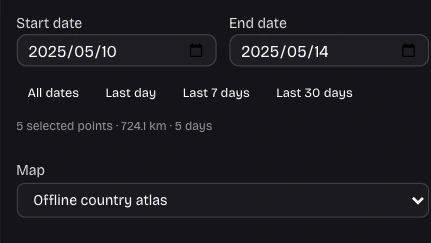
Date filter controls in the Timeline Visualizer workspace

Give One Trip Its Own Chapter

Separate one trip from a longer export using the date filters in Timeline Visualizer. Add a title that identifies the journey. Source-recorded dates keep overnight travel in the period represented by your file.

Open the tool
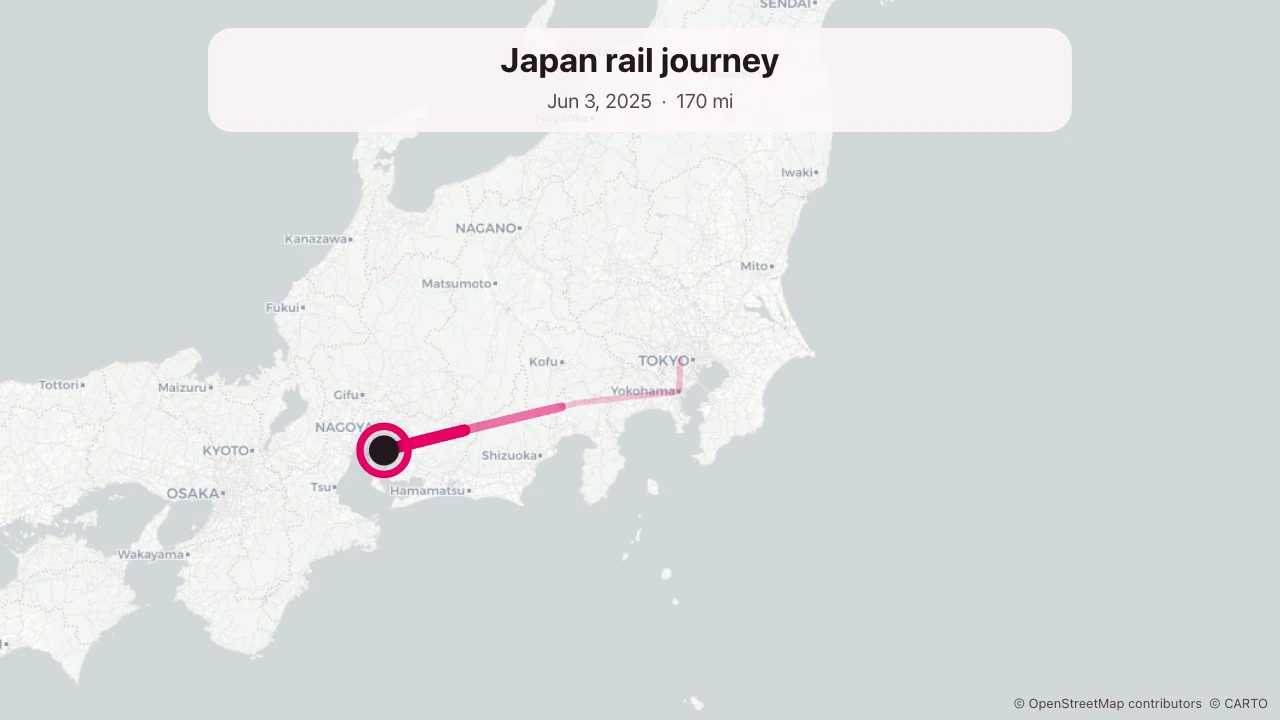
Travel-route example in Japan

Choose How the Route Unfolds

Timeline Visualizer offers four camera styles and portrait, square or landscape output. Adjust route colors, trail and recap to suit your story. Preview the framing before choosing a format for the screen where you plan to watch.

Open the tool
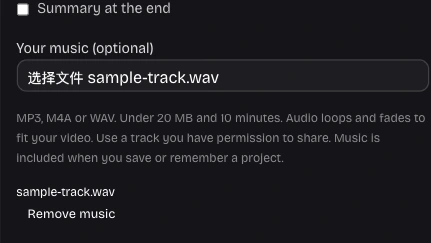
Local music file and track controls in the Timeline Visualizer workspace

Set the Pace with Your Music

Add a local soundtrack in Timeline Visualizer to give the route a rhythm. The MP4 includes the track, and saved projects retain it. Choose audio you have permission to share, then preview it with a suitable video length.

Open the tool
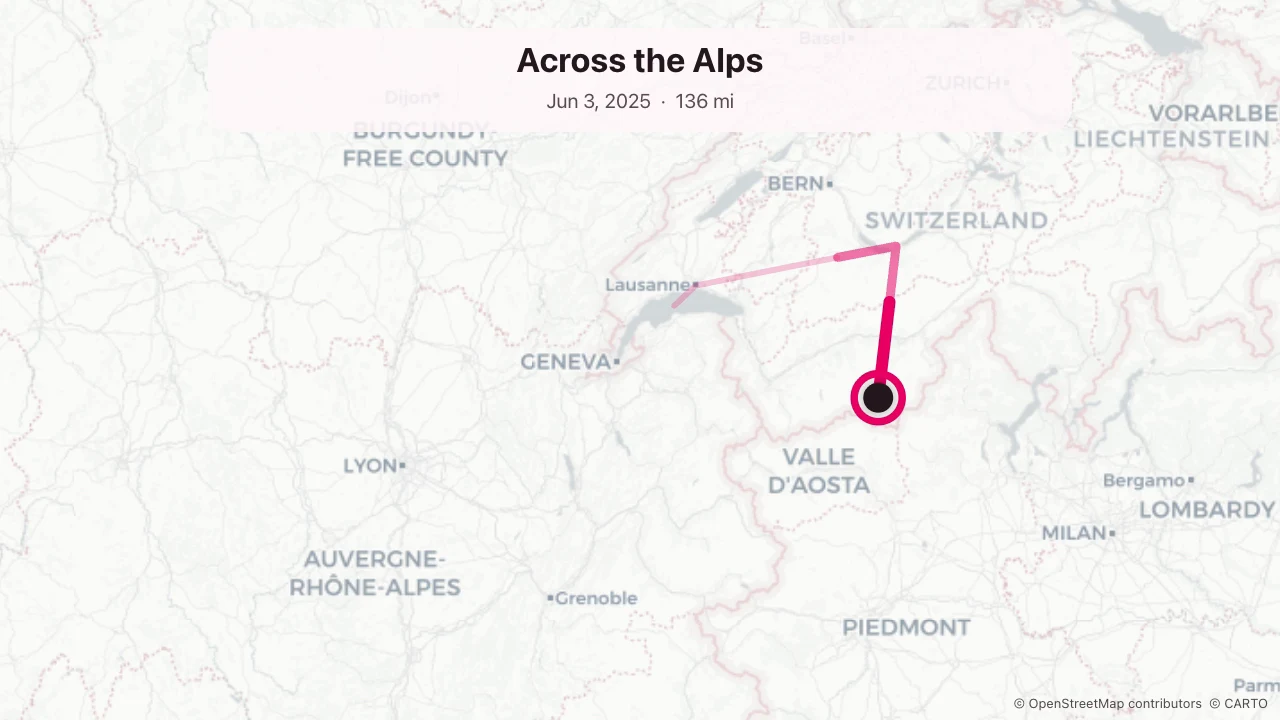
Alpine travel-route example

Keep a Project You Can Reopen

Download a Timeline Visualizer project to keep the full imported journey, editing choices and music together. Reopen it for another edit. Optional browser storage helps you resume on the same device; the downloaded project gives you a portable copy.

Open the tool

Why Choose Timeline Visualizer for a Trip Recap?

Turn a file of location samples into a story you can watch. Control the period, presentation and output while keeping the original export available for checking details or making another edit.

Your Export Stays Local

Timeline Visualizer parses files and renders videos in your browser. Your location history stays on your device throughout editing and export.

Dates Follow Your Source

Recorded dates and UTC offsets guide filtering and labels. Opening the export in another timezone does not shift recorded arrivals into another day.

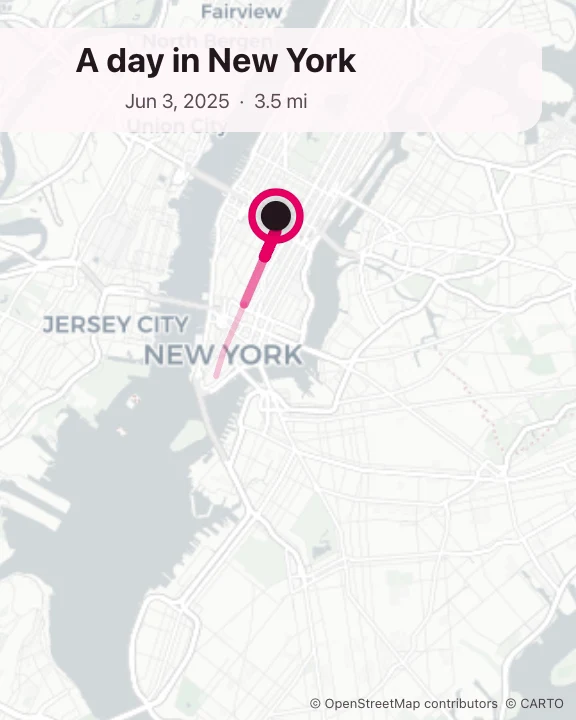
Travel route and city stops around New York

Choose a Useful Output

Timeline Visualizer offers MP4 for movement over time and PNG for one overview. Choose the output that suits a travel recap, message or presentation.

Start with an Offline Map

Timeline Visualizer starts with an offline atlas. Enable street maps with consent when more detail helps; their requests reveal the geographic areas being viewed.

Put Your Journey into Context

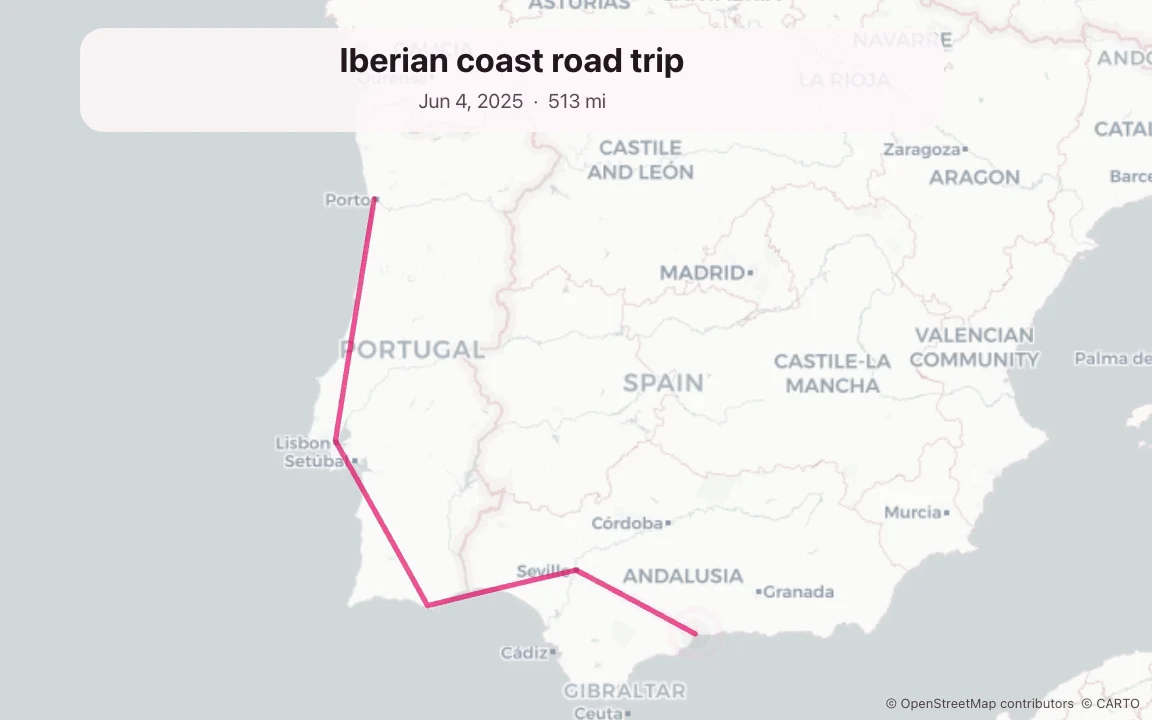
Iberian road-trip route example

Show the Journey Behind Your Travel Notes

After a multi-city trip, open its export in Timeline Visualizer and select departure-to-return dates. Pair the moving route with travel notes or photos in a presentation so viewers can follow how the places connect.

Timeline Visualizer: Files, Video and Privacy

Timeline Visualizer logo

Make Your Next Trip Recap with Timeline Visualizer

Open an export or try a sample in Timeline Visualizer. Choose a period, preview the moving route and save a travel video to share.

Create your travel video