Source records first
Dates and UTC offsets follow the export. Routes connect recorded samples, with gaps left for you to interpret.
About Timeline Visualizer
Explore the records behind a journey or turn them into an animated travel video. Timeline Visualizer works from your exported location history, with file processing in your browser.
“A location export should help you understand a journey and decide how to tell its story.”
Our story
An export holds dates and coordinates, but a long list can make a journey difficult to follow. A map helps connect a remembered place with a recorded day; an animation makes movement easier to replay.
Timeline Visualizer is an independent project with two tools: a date-filtered history viewer and an animated travel-video workspace. Both accept supported Timeline JSON files and saved projects.
The tools use the records you provide. They do not sign in to Google, record new locations, infer missing visits or reconstruct the exact roads between distant samples. You can inspect your file and choose a useful period before sharing a result.
What you can do
Start with a supported export, select the dates you need and choose the output for your task. You can use both tools without creating an account.
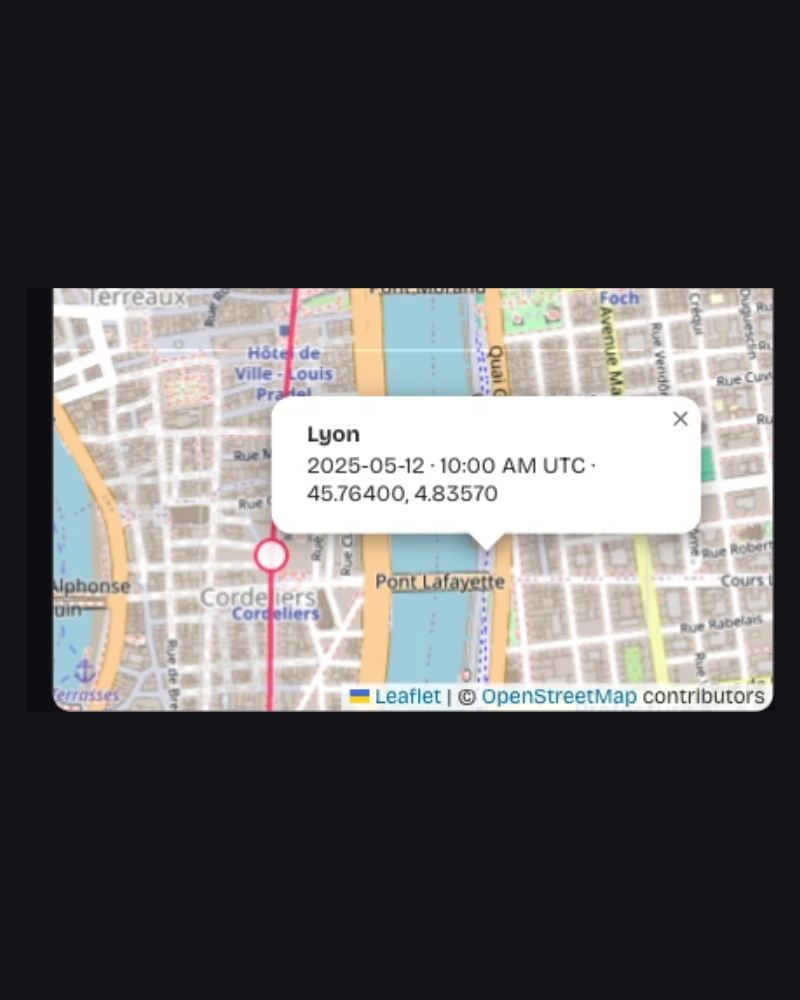
Explore recorded locations on an interactive map and connect each entry with its source date, time and coordinates.
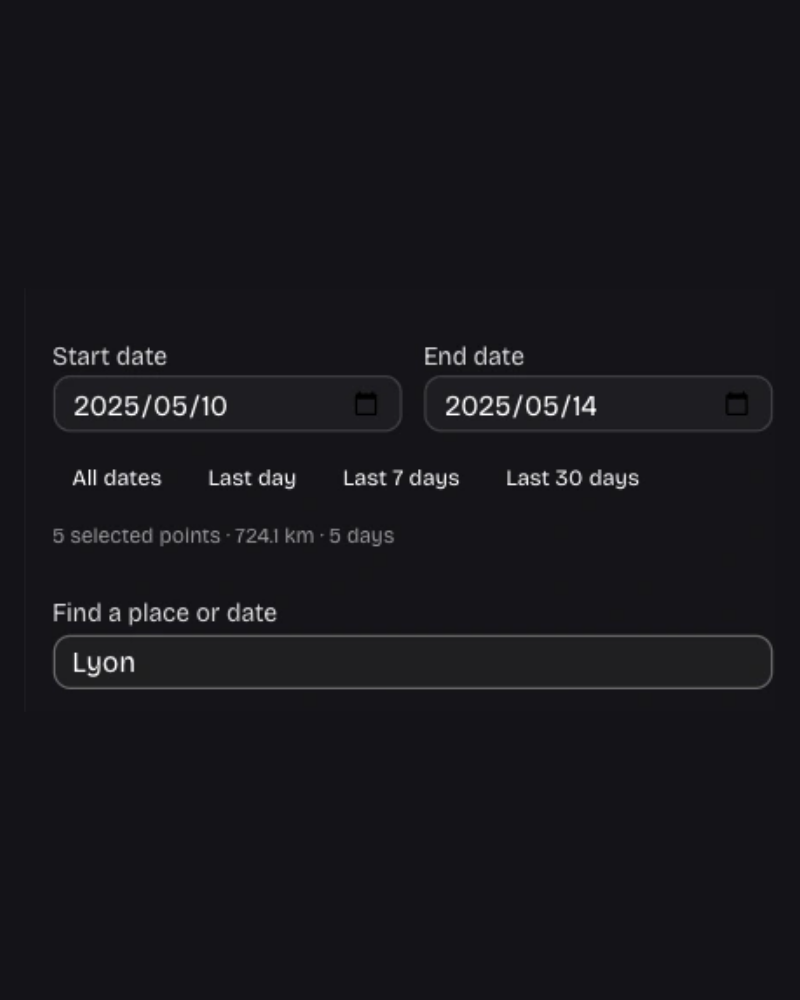
Search the entry list by date, place name or coordinates, then focus on a location or fit the selected route.
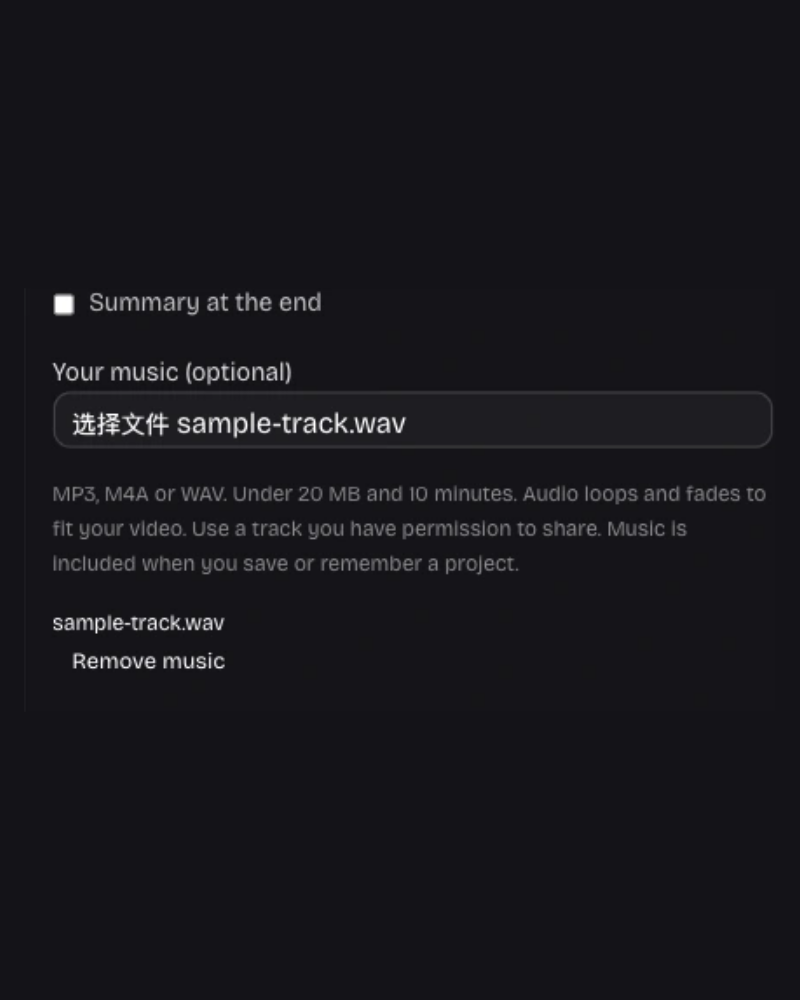
Preview an animated route and save an MP4, with your chosen title, camera view, route style and optional local soundtrack.
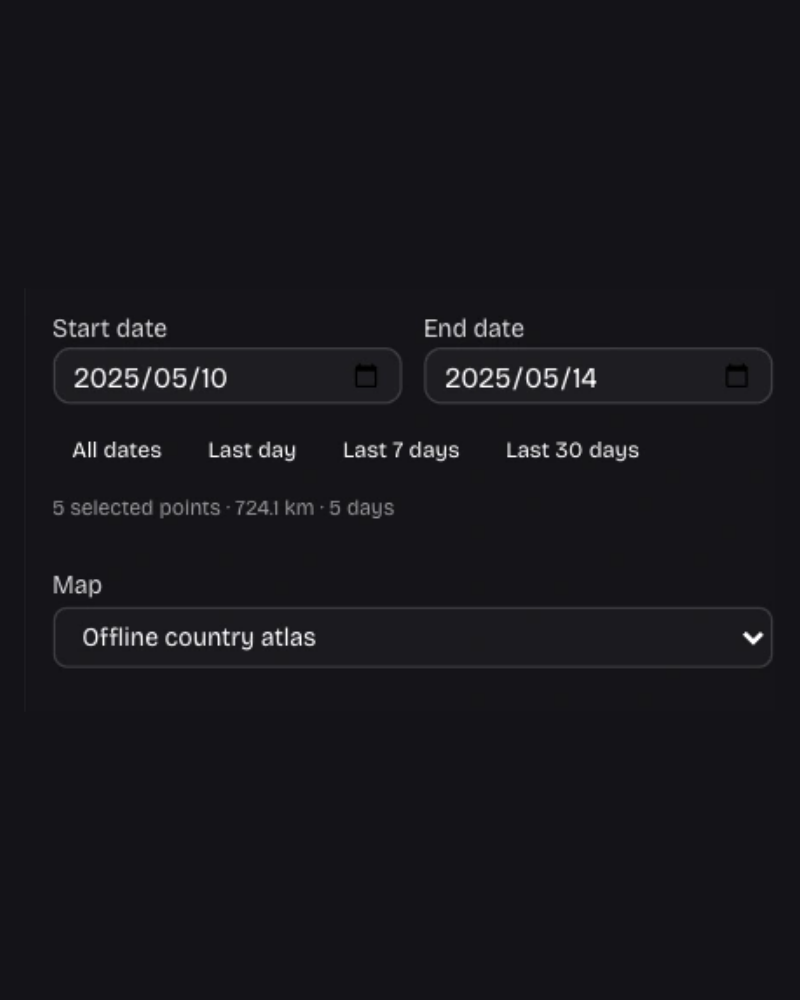
Filter by source-recorded dates and review the selected points before making a video or saving the history data.
Save MP4 and PNG from the video workspace, or CSV and GeoJSON from the history viewer. Keep a project to revisit later.
Download a project with its editing settings and music, or opt into device storage to resume on the same browser.
Our mission
Make location exports useful for reviewing a trip, remembering a place and sharing a journey while keeping file processing on your device.
Dates and UTC offsets follow the export. Routes connect recorded samples, with gaps left for you to interpret.
Choose a dated map, a travel video or a data export according to the question you want to answer.
Timeline JSON and music stay in the browser. Street maps load only when you allow requests for the displayed areas.
Select the period, preview the result and review recognizable places before you share.
Try a sample or choose your exported Timeline file. Review its history on a map or create an animated travel recap.
Have a question or an idea to share? support@timeline-visualizer.online